Best AI Coding Tools in 2026: GitHub Copilot, Cursor, and More

⚡ Quick Answer
AI coding assistants are changing how developers work. Compare GitHub Copilot, Cursor, Claude Code, and Tabnine for speed, accuracy, and value.
Best AI Coding Tools in 2026: GitHub Copilot, Cursor, and More
AI coding assistants are no longer optional for competitive developers. Studies show developers using AI tools complete tasks 55% faster on average. The question in 2026 is not whether to use AI for coding, but which tools to use and when. This guide breaks down the best options honestly.
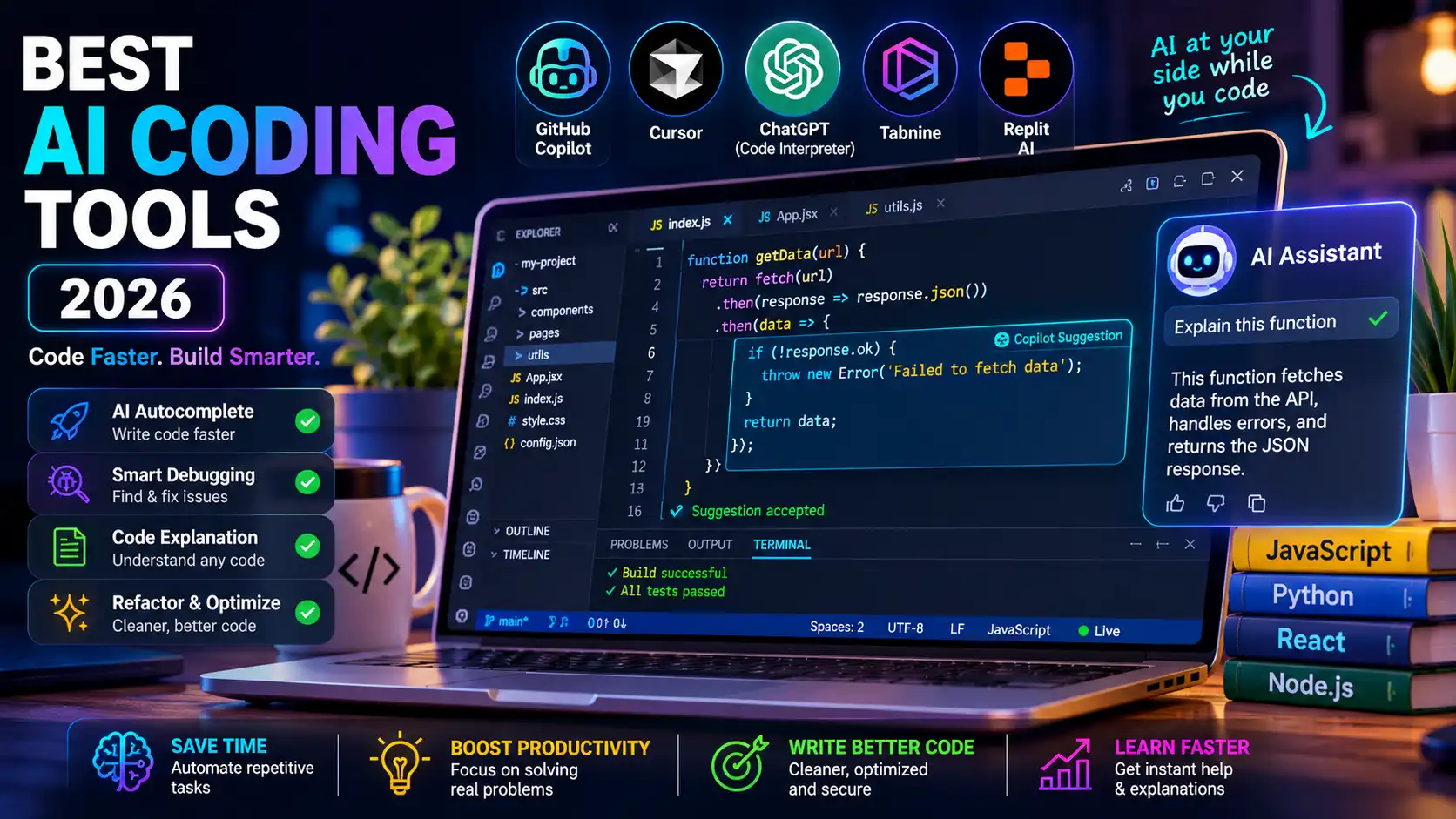
GitHub Copilot — Best for Integration
Copilot is embedded directly into VS Code, JetBrains, and Neovim. It autocompletes code at the line and function level, explains code on hover, and now handles entire feature implementation with Copilot Workspace. $10/month for individuals. The most widely adopted AI coding tool in enterprise environments.
Cursor — Best for Power Users
Cursor is a full VS Code fork with AI built into every layer. You can select a block of code and ask the AI to refactor it, add error handling, or write tests. The chat panel understands your entire codebase. Many developers who switch to Cursor call it the biggest productivity leap in their careers. $20/month.
Claude Code — Best for Complex Tasks
Claude Code is a command-line AI agent that reads your repository, understands the full context, and implements multi-file changes. It handles tasks like "add authentication to this Express app" end to end. Best for senior developers tackling complex architectural work.
Tabnine — Best for Privacy
Tabnine can run entirely on-premise or in a private cloud, making it the top choice for enterprises with strict data policies. It learns from your team's own codebase, offering suggestions that match your specific conventions. Starts at $12/month per user.
Replit Ghostwriter — Best for Beginners
Replit's browser-based IDE with Ghostwriter AI is the best entry point for new programmers. It explains errors in plain language, completes code, and runs in the browser with no setup. Free tier available. Ideal for students and bootcamp learners.
When NOT to Use AI for Coding
AI coding tools hallucinate, especially on niche libraries, legacy frameworks, and security-sensitive code. Always review AI-generated code before committing it. Never paste sensitive credentials or private business logic into public AI interfaces.
Frequently Asked Questions
Will AI replace software developers?
AI handles repetitive coding tasks, but software development requires systems thinking, product judgment, and domain expertise that AI cannot replicate. Developers who use AI will outperform those who do not.
Is GitHub Copilot worth the money?
For most professional developers, yes. The productivity gains easily exceed the $10/month cost within the first week.